How to Save Instagram Reels and Find Them Later
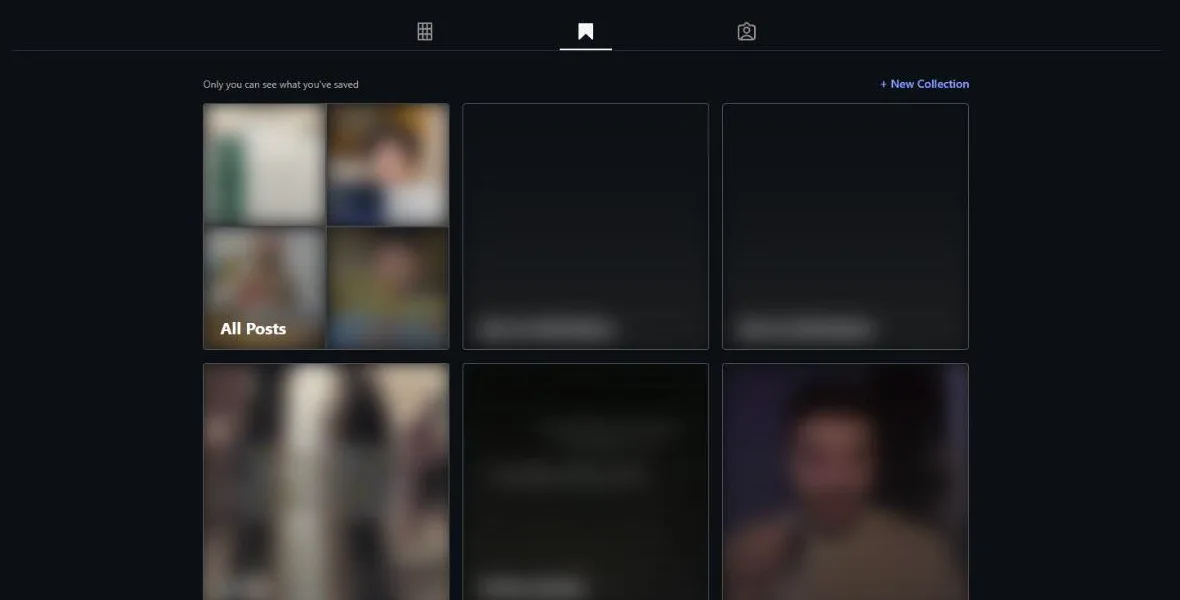
Instagram's Saved tab has no search bar. The Reel you saved three months ago sits somewhere in the grid, and scrolling is the only way back.
Here is the native way to save a Reel, where it goes, what breaks, and how to make every saved Reel searchable by what it actually said.
How to save a Reel on Instagram
- Open the Reel.
- Tap the paper plane (Share) or ⋯ and choose Save. On feed posts, tap the bookmark icon under the post.
- To file it, choose a collection or create a new one.
- Find it later: Profile → ☰ menu → Saved → All posts, or open a collection.
What breaks
- No search. Saved is a grid of thumbnails, so you scroll until you recognise one.
- The grid shows a cover frame, not what the Reel said. The tip lives in the audio.
- When the creator deletes the Reel or goes private, it drops out of your Saved.
The Cruxr way: 3 steps
- Share it. Tap Share on the Reel and pick Cruxr from the share sheet. On desktop, click the Cruxr Chrome extension.
- Cruxr reads it. Cruxr transcribes the speech, reads the on-screen text and the caption, checks the top comments, then writes a headline, summary, key points and tags.
- Search it, get reminded. Search any word from the notes, and a daily reminder at the time you pick brings your saves back.
Need one Reel as plain text right now? Use the free Instagram Transcript Extractor.
Cruxr vs Instagram Saved
| Feature |  Cruxr | Instagram Saved |
|---|---|---|
| Search inside your saves | Searches the notes (Yes) | No |
| What was said, in text | Transcribed into key points (Yes) | No |
| Summary | Yes | No |
| Notes stay if the Reel is deleted | Yes | No |
| Reminders | Daily, at your time (Yes) | No |
| Organizing | Automatic tags (Yes) | Manual collections (Partly) |
| One place for every platform | Yes | No |
Instagram's Saved tab stores Reels. Cruxr stores what they said, and lets you search it.
FAQ
Where do saved Reels go on Instagram?
Saved Reels go to Profile → ☰ menu → Saved. All posts holds every save, Reels mixed with photos and carousels. Collections you create sit next to it.
Can you search saved Reels on Instagram?
No. Instagram's Saved section has no search as of October 2026. Cruxr turns each shared Reel into text notes, so you search by any word from what the Reel said.
Does Cruxr download the Reel?
Cruxr fetches the video only to transcribe it and read its frames, then deletes the file. It keeps the notes and a few key frames, so the notes stay even if the Reel is removed.
Can I get the full transcript of a Reel?
Cruxr keeps the key points, not a word-for-word transcript. For the full text of one Reel, use the free Instagram Transcript Extractor.
Keep reading
Save Instagram Reels you can find again
Share from the phone share sheet. Cruxr reads it, writes the notes, and reminds you every day at the time you pick.
Join the waitlist